Changelog

Follow new updates and improvements to Scritches.

Update: Make Scritches yours
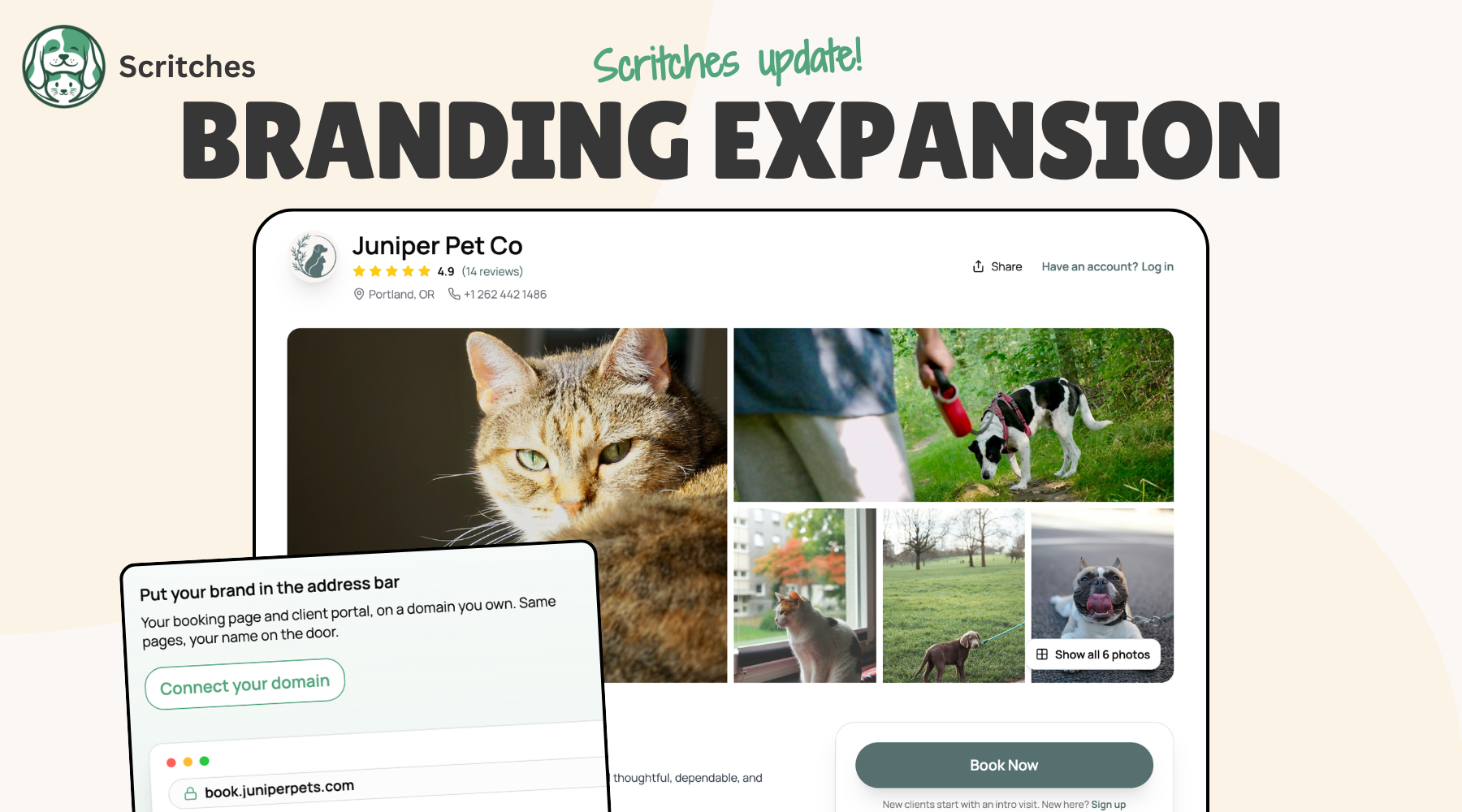
When your clients book with you, they should see your business, not mine. Your own domain, your colors, your fields, your rules for new clients. Let’s take a look at what’s new 🏄‍♂️


Custom Fields

Build your client and pet profiles around whatever you need to know. Add your own fields, reorder everything, hide the built-ins you never use, and control which fields staff/clients have access to. And fields link to forms too, so no more copying out of a notes dump.

Custom client and pet fields

Build your fields →


Custom Domains

Your booking page and client portal can now live on a custom domain (book.yourbusiness.com) with your logo as a favicon. One domain for you, SEO value that you own.

ℹ️ Custom Domains are part Solo Pro and above plans.

Connect your domain →


Your Brand, Everywhere

Brand colors are here. Pick your color and the whole client journey wears it. And your logo now shows up everywhere it should. That includes places outside the app; sharing client links now includes rich previews.
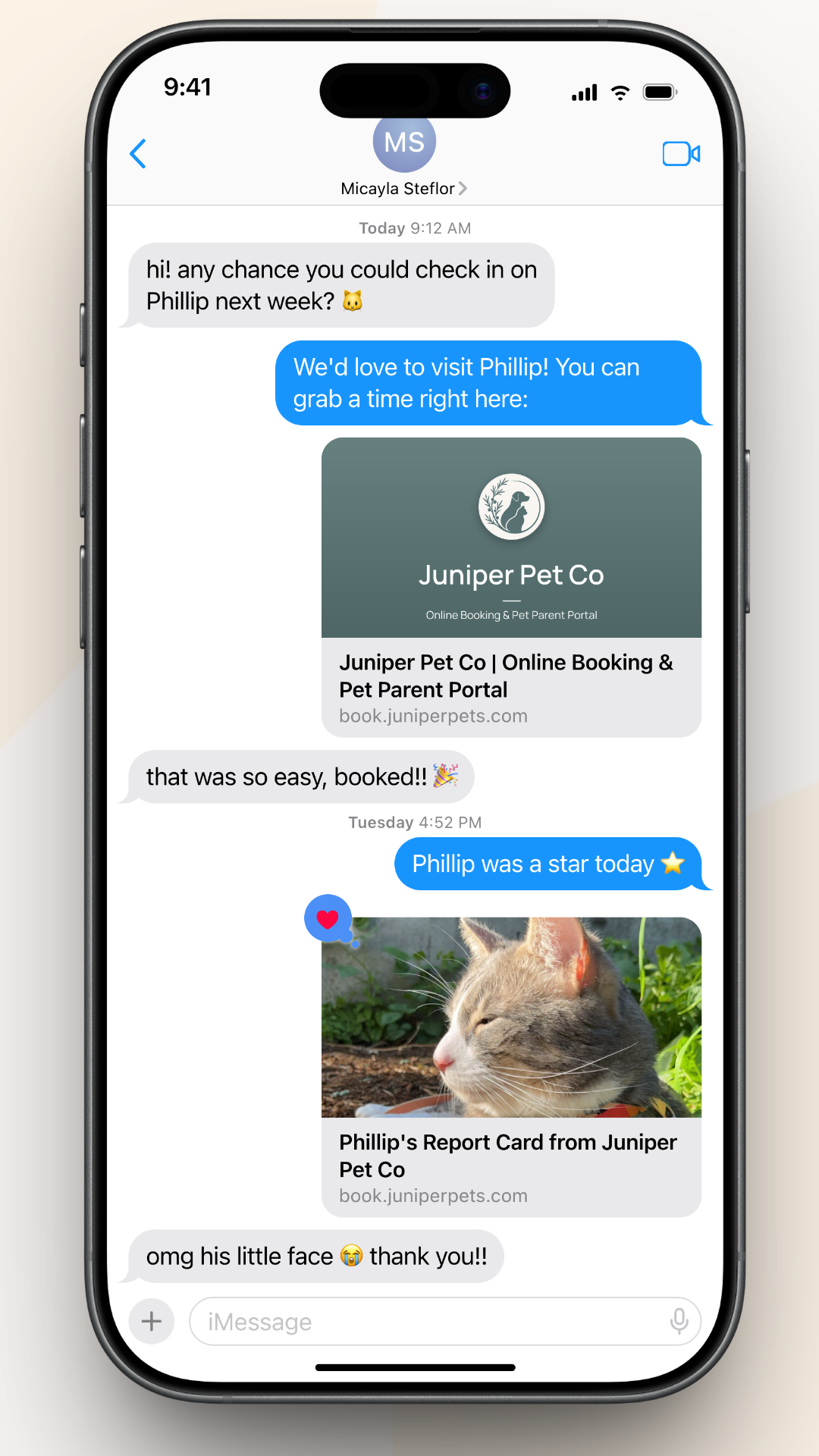
Link previews in text messages

Pick your color →


Online Booking, Rebuilt

The client side of Scritches got a rebuild:

  • One connected app. Your booking page and client portal now flow together.

  • Easy login. One-time passwords, and every email link signs clients in automatically.

  • Faster and more polished everywhere, especially on phones, with cover photos reworked to load instantly.

  • A direct link and QR code for every service, so you can share exactly the thing you want booked.

  • Rich text in descriptions, categories, and service options.
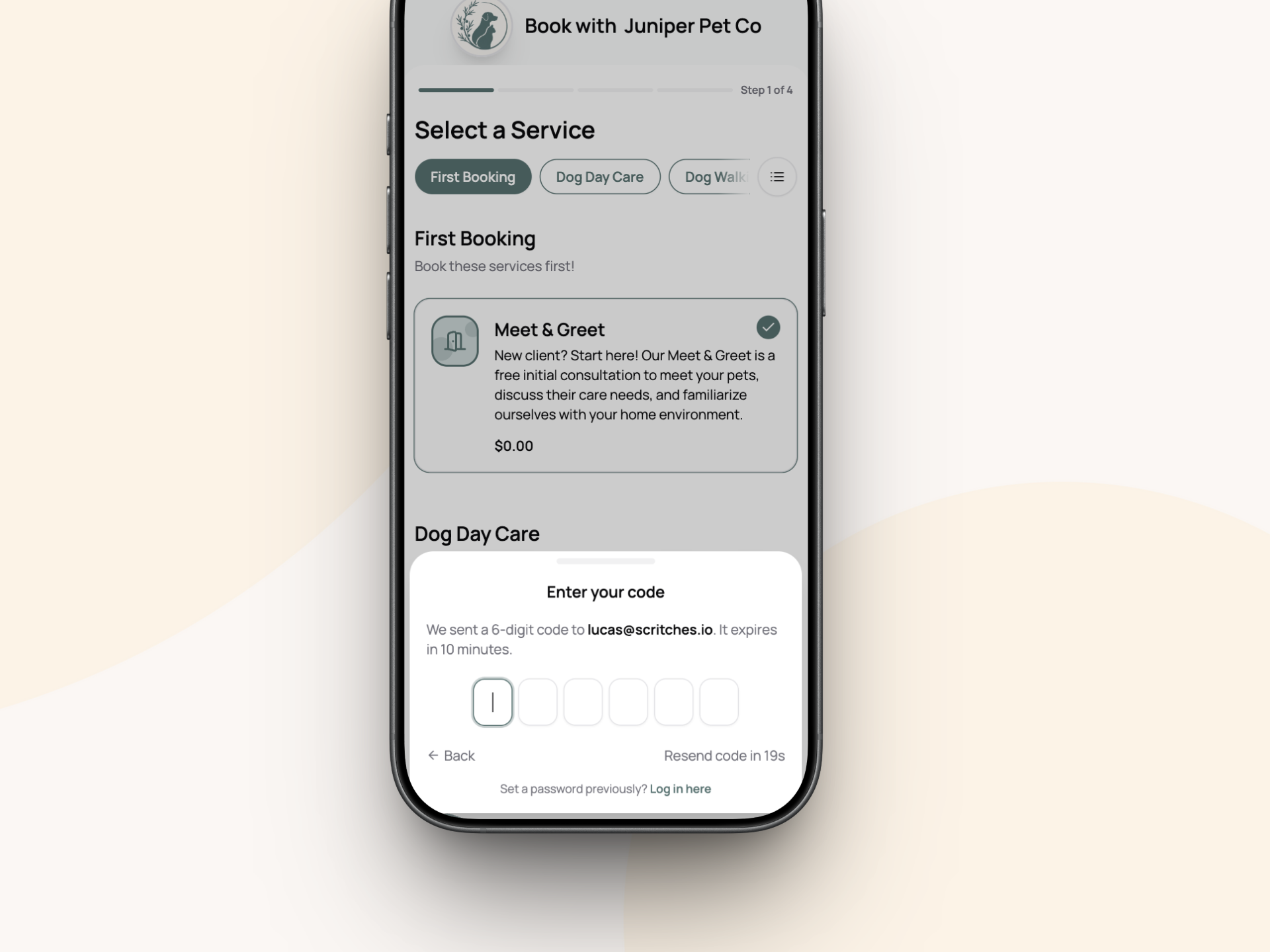
Online booking mobile one time password

Share your booking page →


Require a Meet & Greet

New policies for how you treat new clients: open to anyone, intro visit first, or existing clients only. With Intro-first, new clients can only book the services you choose (like a Meet & Greet) until you've met and approved them.

Settings for setting up how your business takes new clients. You can make it so Meet & Greets are required.

Choose your policy →


Push Notifications

Scritches now properly installs as a web app on your phone and sends real push notifications: booking requests, form submissions, and the rest, on your lock screen instead of buried in email. It’s not a full native app, but it gives you many of the benefits.
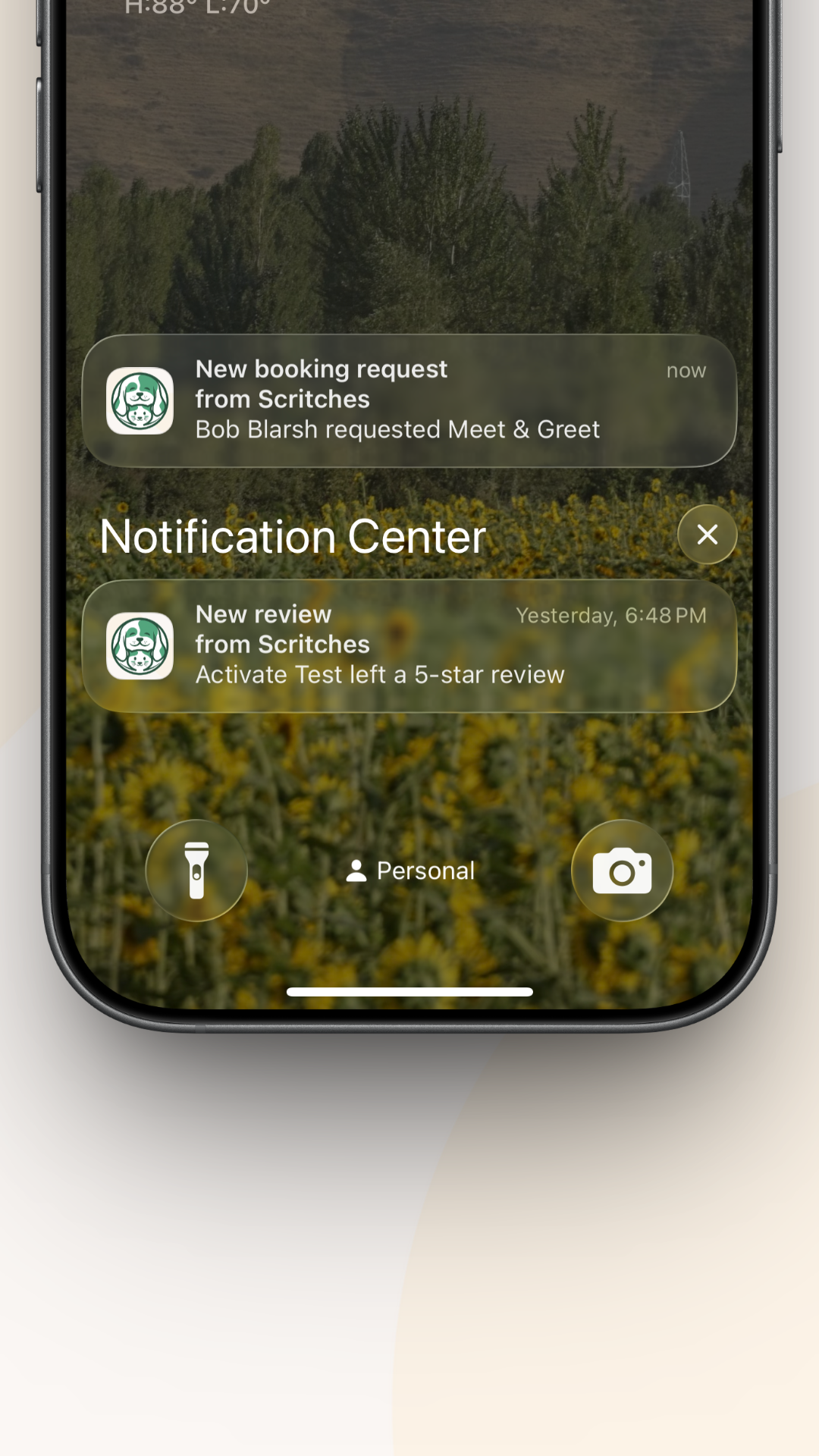
Push notifications

Set up notifications →


Tips, After the Service

Tip prompts have been reworked to only send once a booking has completed. Whether your client pays before or after, it’s automatic, time-limited so it never nags, and the tip goes straight to you.

Tip prompt for Scritches Pay

Turn on tipping →


Other Improvements

  • Settings got rearranged. Client-facing settings now live under Client Experience, and the dedicated Online Booking sidebar link is gone. Payment settings are now one page instead of three.

  • Redesigns across the app. A cleaner services page (with a new duplicate option), a client billing page that leads with what's due, and tons of mobile improvements.

  • Plus tweaks, cleanups, and bug fixes throughout


As always, I'd love to hear what you think. Connect a domain, pick your color, and tell me how it feels to send clients a link that's all yours.

More coming soon ✌️
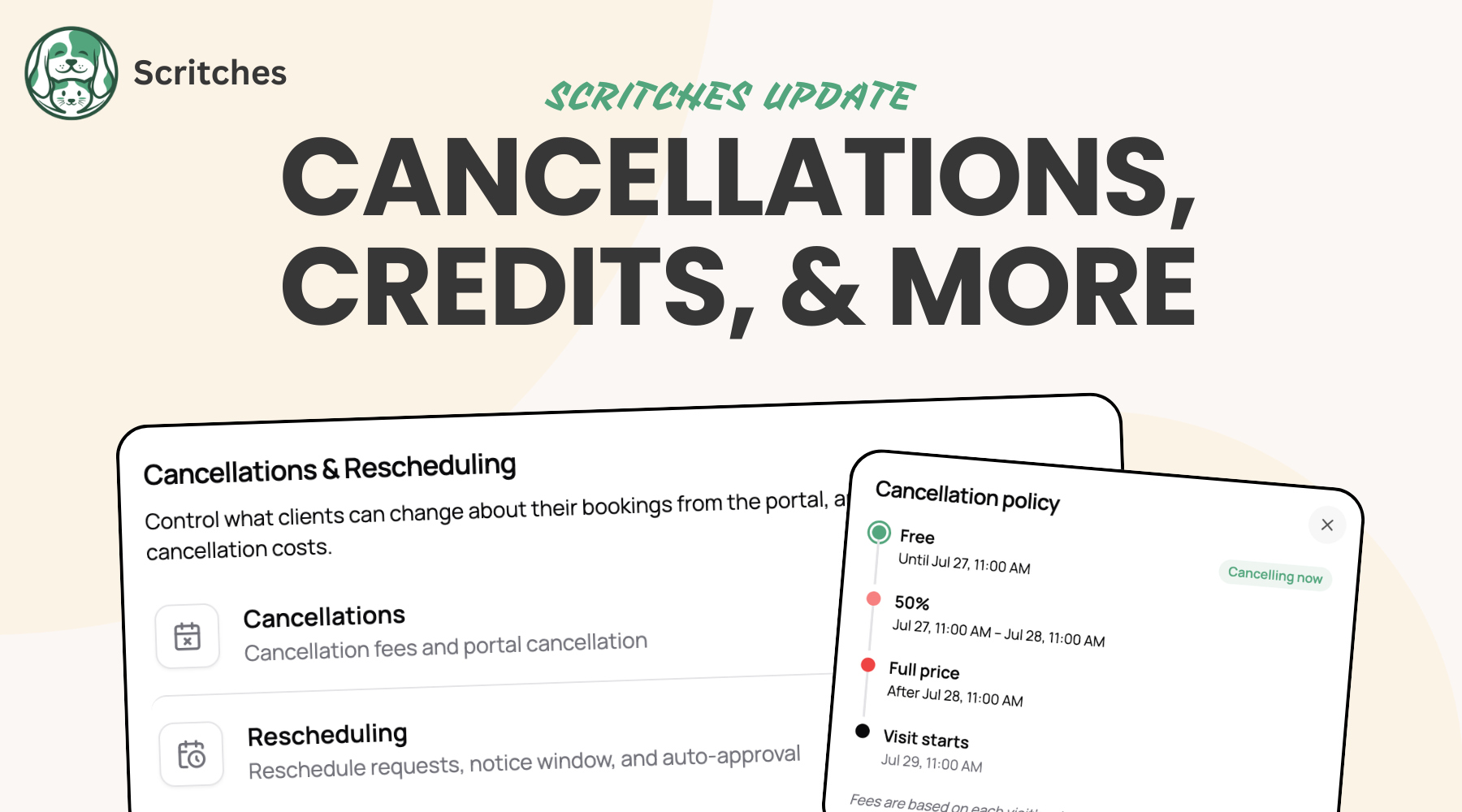
Cancellation Policies, Rescheduling, Credits, & Refunds

Plans change. Clients cancel, dates move, and sometimes money needs to go back. This release takes the pain from those moments, with clear policies that protect your time and self-serve options for your clients.

👉 Set up your policy now under Settings → Cancellations & Rescheduling.

Cancellation Policies

Set a cancellation policy per service with tiered windows, like free with 48+ hours notice, 50% within 48, 100% within 24. Cancel from the business side or let clients cancel visits themselves from the portal and see the fee before they confirm, so the policy does the talking.

You can adjust or waive any fee, cancelled visits come off your calendar and your staff's schedules automatically, and recurring services follow the same rule: stop anytime, only visits inside the window carry a fee.

Rescheduling Requests

Clients can now request to reschedule from the portal instead of texting you. The request lands in the new Requests inbox with the exact change laid out, and approving it updates your calendar, the client's view, and the invoice in one go.

They can also update pets on a booking or move a whole recurring week in one request, and if you turn on auto-approve, changes that fit your availability apply instantly.

Client Credits

Every client now has an account credit balance that Scritches tracks for you. Overpayments become credit automatically, goodwill credit takes two clicks, and it all applies itself to the client's next invoice.

Every movement is logged in plain language on the client's profile, and clients see their balance in the portal too.

Log credits on a client account and track usage history

Refunds

Refund any payment right from the invoice, full or partial, card or cash or Venmo. A guided flow picks the amount, reason, and destination (back to their card, or onto their account as credit), and can reduce the invoice in the same step with a live preview before you confirm.

Refunds made from your Stripe Express dashboard now sync back into Scritches automatically.

Also in this release

View your portal as a client. Preview your portal exactly as clients see it, or demo it with your test client.

Find my portal. Clients who lose their link can enter their email at app.scritches.io/portal and get it sent to them.

Faster pet & client profiles. Pet profiles rebuilt, and adding pets or clients now opens instantly from anywhere in the app.

Arrival & departure availability on your public calendar. Overnight bookings now display partial availability for arrival and departure days.

Vaccine batch upload. Drop in multiple vaccine documents at once and tag each file with one or more vaccines.

Intake form preview. Step through your intake form exactly as a client would, with nothing enforced and nothing submitted.

Performance and bug fixes across the calendar, invoicing, and booking flows.


This update rounds out a core part of running a pet care business: what happens when plans change. Policies, refunds, credits, and reschedules used to mean manual work. Now they're just part of Scritches, another step toward running your entire business in one place, with less of it on your plate.

As always, if you have feedback or ideas, I'd love to hear them.

Happy scritching! ✌️

NewImprovedFixed

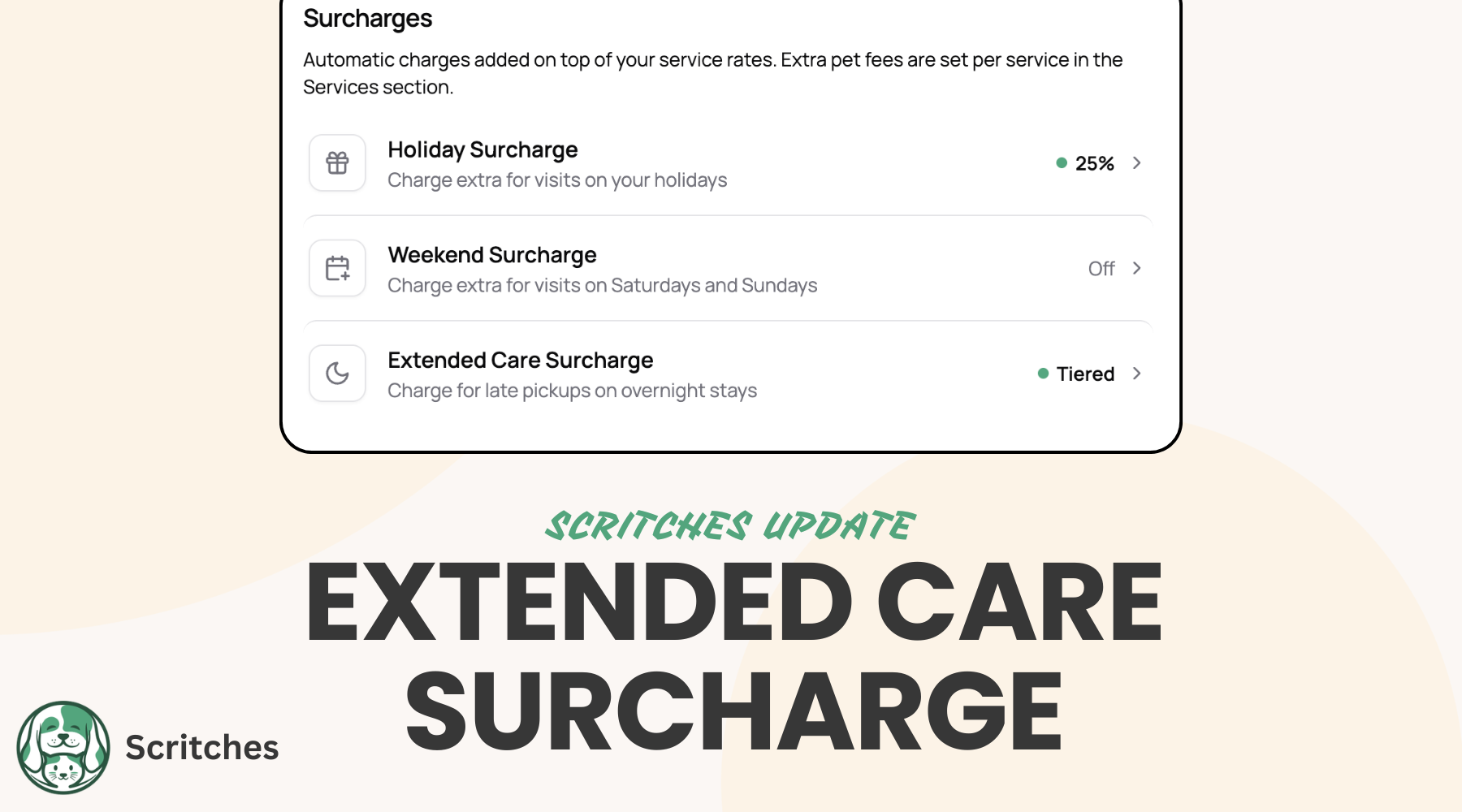
New Extended Care Surcharge

The new Extended Care Surcharge automatically bills clients when they pick up later than their drop-off time of day on per-night stays. Set it once, and it applies to every booking going forward, showing up as a surcharge on bookings & invoices.

Set it up the way you charge:

  • Single rate with a grace period. For example, $30 once a pickup runs more than 2 hours past drop-off time.

  • Tiered by hours late, so a 3-hour-late pickup and an 8-hour-late pickup can carry different fees.

Charge a flat amount or a percentage of the nightly rate, whichever fits your pricing. It applies once per stay, and you can always adjust or remove it on an individual booking when you want to make an exception.

Turn it on under Settings → Surcharges & Holidays.

👉 Read the full guide


Also in this release

  • Fill out intake forms for clients. A new flow for filling out an intake form for a new or existing client on their behalf

  • Bookings without a pet. A new per-service toggle for services that don't require a pet on file.

  • Business-address services. A per-service toggle to use your business address instead of the client's, for drop-off and on-site services.

  • Surcharge preview before booking. See the full surcharge breakdown up front when creating a booking from the business side, no surprises at invoice time.

  • Better holiday configuration. Redone holiday configuration page for easier setup, and common holidays split by country

  • Smarter syncing from bookings to invoices: No more overwrites of manual line item edits, more warnings when a change to a booking will also affect the invoice.

  • Performance and bug fixes across the calendar, invoicing, and booking flows.

NewImprovedFixed

Earlier updates