Connect your booking page to Google Maps
Written By Lucas Steflor
Last updated Almost 2 years ago
Connecting your booking page to your Google Maps business profile is a powerful way to drive bookings and showcase your professionalism. It ensures that clients can easily schedule your services directly from one of the most commonly used platforms for finding local businesses. Let’s walk through why this is important and how to set it up!
Why Connect your booking page to Google Maps?
Your Google Maps business profile is often where clients search for local services like yours. By connecting your booking page:
You make booking effortless: Clients can schedule services directly from the platform they’re already using to find you.
You boost your visibility: Profiles with direct booking links appear more complete and professional.
You reduce friction: No need for clients to navigate to your website or make a phone call—they can book in just a few clicks.
How to Connect your Booking Page to Google Maps
Find Your Booking Link
Log in to your Scritches account at https://app.scritches.io.
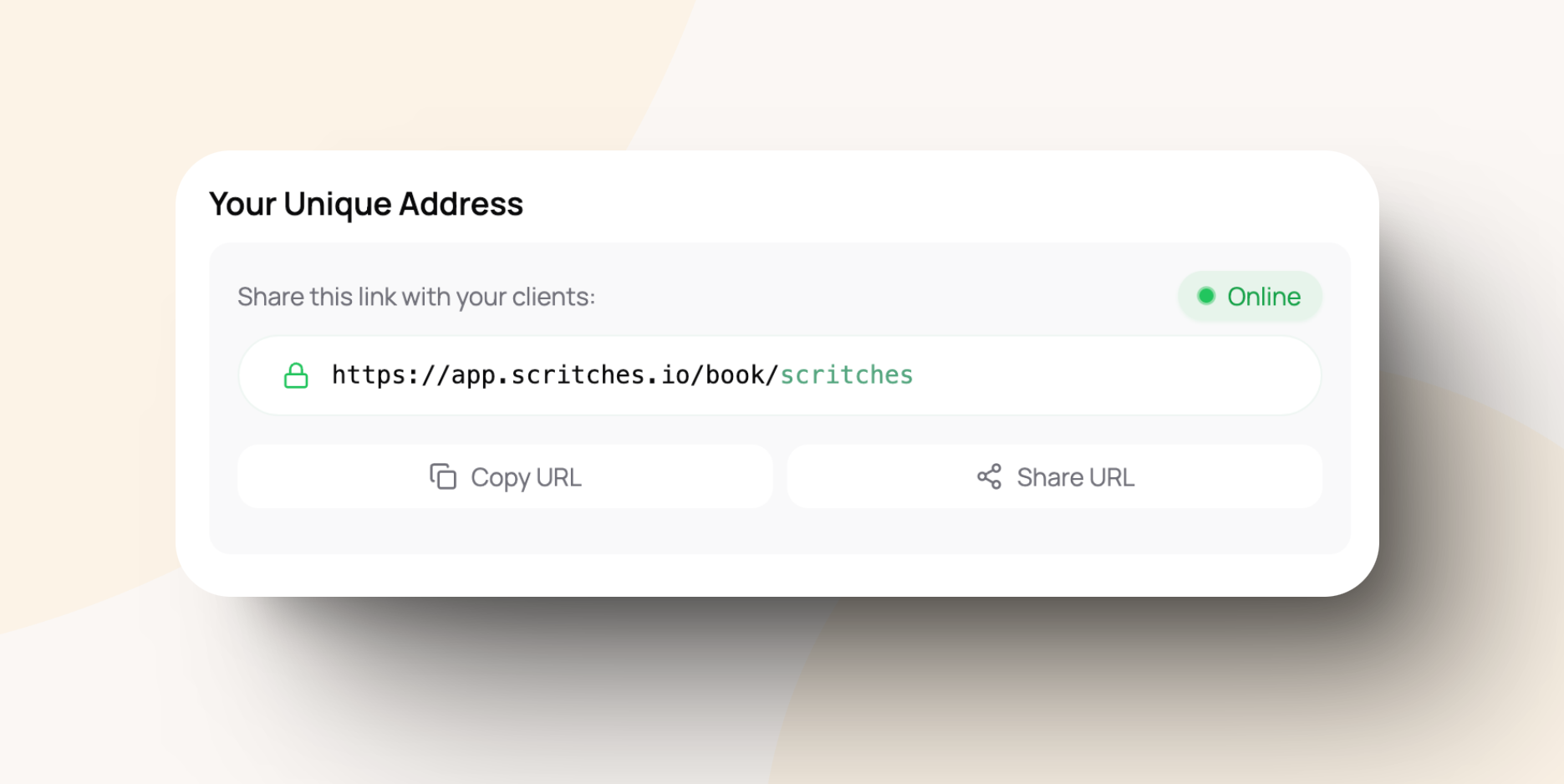
Navigate to your online booking settings and copy your custom booking link:
https://app.scritches.io/book/{bookingURL}.
Access Your Google Business Profile
Go to Google Business Profile Manager and log in with the Google account associated with your business.
Select your business from the dashboard.
Add the Link
In your business profile dashboard, click on Info from the left-hand menu.
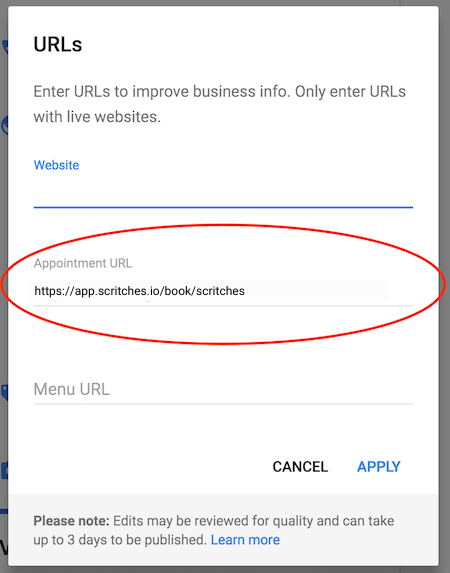
Scroll down to the Website or Booking URL section and click the pencil icon to edit.
Paste your Scritches booking link into the appropriate field.
Save your changes.
Verify It’s Working
Open Google Maps and search for your business.
Click the "Book Now" button to confirm it directs clients to your Scritches booking page.
Tips for Maximizing Bookings
Keep your profile updated: Ensure your business hours, services, and contact information are accurate so clients feel confident booking with you.
Encourage reviews: Positive reviews build trust and make clients more likely to book your services.
Promote your Google profile: Share your Google Maps link on social media, email signatures, and other marketing materials to drive traffic.
Ready to See More Bookings?
Connecting your online booking to your Google Maps business profile is a simple but effective way to grow your business. By making it easy for clients to book directly from their search results, you’re creating a seamless experience that encourages more clients to choose you.
Need help or have questions? Reach out to us at support@scritches.io or check out more tips in our Help Center!
Was this helpful?
Still need help? Ask the team